
Some time ago I had to test a web app where a popup was triggered if the user hovers over a specific link. This is not as easy as testing if an element contains a specific text. But it’s possible using Selenium Actions. These class provides methods to perform some custom gestures on a page, like moving to an element. Here is an example how to do this:
// In the following a selector is something like By.id("identifier")

// use the Actions class from Selenium to perform custom "mouse" actions
Actions builder = new Actions(driver);

// move "mouse" to popup link which will open the popup and
// then move to the popup in order to avoid automatic closing of it
builder.moveToElement(driver.findElement(POPUP\_LINK\_SELECTOR))
       .moveToElement(driver.findElement(POPUP\_SELECTOR))
       .build()
       .perform();
In this example Selenium is initiating a move to a popup link which triggers a popup to open. Then it moves to the popup in case it is closing automatically. It’s as simple as that! But it can be a little bit more complicated if the popup won’t open directly, i.e. if it waits a few miliseconds to open - for whatever the reason is. Then you have to wait for it in your test. For this use case you can use a WebDriverWait combined with ExpectedConditions to wait for an element to be visible:
// Again: a selector is something like By.id("identifier")

// move "mouse" to the popup link which will open the popup
builder.moveToElement(driver.findElement(POPUP\_LINK\_SELECTOR)
       .build()
       .perform();

// wait 1 second for popup to be open and make sure it is visible
WebElement popup = new WebDriverWait(driver, 1).until(ExpectedConditions.visibilityOfElementLocated(POPUP\_SELECTOR));
assertTrue("popup should be visible", popup.isDisplayed());

// move "mouse" to popup in order to avoid that it's closing automatically
builder.moveToElement(driver.findElement(POPUP\_SELECTOR))
       .build()
       .perform();
Personally I prefer the second version, because in the first one you can’t always be sure that Selenium is fast enough (or maybe even too fast) to find the popup. Thus it’s a good idea to use a waiter.
If you want to try it out, you can find an example project here: https://github.com/seeebiii/SeleniumHoverExample

Related Articles
Using AngularJS and Spring together
Build web apps with AngularJS and Spring Boot. Complete tutorial from Spring Initializr setup to AngularJS routing with single page application architecture.

Using Spring Boot On AWS Lambda: Clever or Dumb?
Should you run Spring Boot on AWS Lambda? Detailed analysis of advantages, disadvantages, cold start impact, and GraalVM alternatives for Java serverless functions.
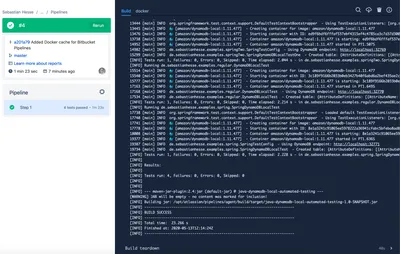
Using DynamoDB Local and Testcontainers in Java within Bitbucket Pipelines
Automate DynamoDB testing with Testcontainers and DynamoDB Local in Bitbucket Pipelines. Complete setup guide including Ryuk configuration and AWS SDK settings.
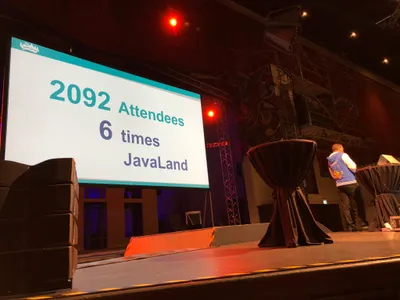
Visiting JavaLand 2019
JavaLand 2019 key takeaways: microservices transactions with SAGA pattern, Domain Driven Design principles, and Web API design best practices for Java developers.